
What is Whitespace Analysis? A Guide for MSPs
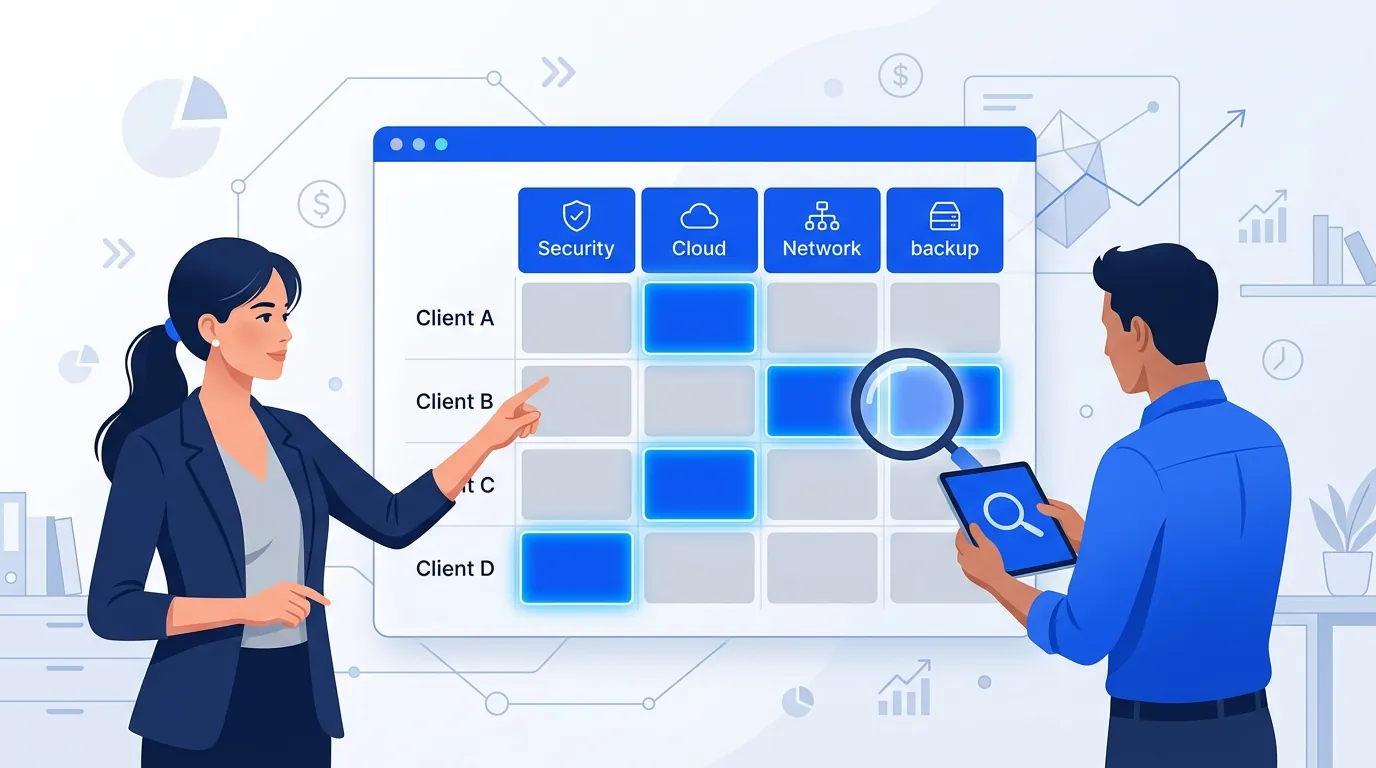
Your existing clients often buy only part of what you offer. Whitespace analysis is the routine for finding those gaps and turning them into proposals.
Most MSPs put their sales effort into new logos: marketing campaigns, cold outreach, partner referrals. Meanwhile, the client with managed endpoints but no backup, or Microsoft 365 without email security, is a gap you can already see in your own contracts. Whitespace analysis finds those gaps in every account, every month.
How Do You Spot Service Gaps and Upsell Opportunities on Existing Clients?
Compare what each client buys today with what they should have, client by client. In practice that takes three steps:
- Read what they buy. The contracts, agreements and recurring services for each client are already in your PSA.
- Compare it with your service list. Every service you offer that the client does not have is a gap.
- Rank and act. Start with the largest gaps at clients who are happy with your service, and bring a proposal to the next QBR.
What that looks like in each PSA:
- Autotask: a client whose contracts include managed endpoints and Microsoft 365 but no backup service has a backup and DR gap.
- ConnectWise Manage: a client whose agreements cover security but nothing for cloud or Microsoft 365 has a cloud gap.
- HaloPSA: recurring services show which clients have email security and which do not.
The rest of this guide explains how to define the target, build a gap report and keep the habit going every month.
Whitespace Defined: The Gap Between "Is" and "Should Be"
Whitespace is the gap between what a client buys from you today and what they should be buying: their "golden contract." Every client who is not on a golden contract has whitespace.
Selling into that gap is usually the easier sale. The client already trusts you, you already bill them, and you already know their environment. You don't need to win a new logo to grow.
The Four Revenue Pools
When you map a client's current contract against their golden contract, the gaps fall into four categories. Knowing which one you are working on tells you which conversation to have.
| Revenue Pool | What It Looks Like | Example |
|---|---|---|
| Core Services Expansion | Tier upgrade within a service they already buy | Moving a client from Core to Growth tier |
| Adjacent Services | Services you offer that the client does not yet buy | Adding backup and DR to a client who only has managed endpoints |
| Add-On Modules | Pre-built packages layered onto existing services | Compliance Pack (Cyber Essentials, ISO 27001, GDPR) |
| Depth Expansion | Extending coverage within a service line | Adding Defender for Endpoint to existing M365 management |
Core expansion is a conversation about service levels. Adjacent services need discovery first. Add-on modules are straightforward upsells. Depth expansion is about closing coverage gaps in something the client already buys.
The Golden Contract: What "Fully Served" Looks Like
The golden contract is the service mix a properly protected and supported client of a given size and sector should have. Without one, you have nothing to measure the gap against.
Golden contracts vary by sector and size. Three examples (price them from your own price list):
Small law firm (10-15 users)
Managed endpoints, Microsoft 365 on your Growth tier, email security with advanced threat protection, backup and disaster recovery, a compliance pack and quarterly vCIO sessions. Law firms handle sensitive client data every day. If they are missing email security or DR, that is your opening.
Healthcare practice (20-30 users)
Your top tier across all service lines, plus HIPAA compliance. The regulatory pressure makes the golden contract larger and the conversation easier to justify.
Manufacturer (50-100 users)
The full stack: managed endpoints, network and cloud, plus SOC, managed SIEM and ISO 27001 compliance. Factories mix IT with operational technology, so there is more to protect.
Building a Gap Report
A gap report compares a client's current contract with the golden contract for their sector and size, puts a value on the difference, and ranks the opportunity. Four steps:
- Map the current contract to your portfolio. What tier are they on? Which services do they buy? Which add-ons are active?
- Compare it with the golden contract. For their sector, size and risk profile, what should the full picture look like?
- Put a number on the gap. What is the difference in monthly recurring revenue, and what does that add up to over a year?
- Prioritise. Score by revenue, fit (will they use it?) and client health (are they happy with the service today?). Don't pitch an upgrade to a client with three open escalations.
By hand, this means opening every agreement in your PSA and comparing it with a spreadsheet. Salesbuildr Whitespace, on the Advanced plan and up, reads the contracts, agreements and recurring services per client from Autotask, ConnectWise or Halo. It shows them as a matrix of clients against your services, and you can create a quote or opportunity straight from an empty cell.
The Right Questions to Ask
A gap report gives you the data. The conversation still happens in QBRs and account reviews, and these questions help surface needs the report can't show:
- "What business challenges are you facing that we haven't discussed?"
- "Where are you spending on IT outside our relationship?"
- "What compliance or security concerns keep you up at night?"
The third question often opens the door. If a client worries about compliance but doesn't buy your compliance pack, you can close that gap in one conversation.
Monthly Revenue Discovery Cadence
Run whitespace analysis every month. Without a fixed rhythm, it slips behind the urgent work and stops happening.
- Week 1: Pull gap reports across all accounts. Pick the biggest opportunities by monthly revenue.
- Week 2: Schedule QBRs or account reviews with your top 10 accounts and bring the gap report.
- Week 3: Send expansion proposals to the accounts that showed interest.
- Week 4: Check which proposals were signed, update your golden contracts with what you learned, and feed that into next month.
Metrics That Matter
Track these every month:
- Accounts analysed: How many accounts got a gap report? If it isn't all of them, find out why.
- Total opportunity value: The monthly revenue gap across all accounts.
- Win rate on expansion proposals: The share of expansion proposals that end in a signed upgrade.
- Average expansion value: How much monthly revenue a typical upgrade adds.
- Adoption: Are clients using what they bought? Services nobody uses get cancelled at renewal.
- Net Revenue Retention (NRR): This year's revenue from last year's clients, including upgrades, downgrades and cancellations. Below 100% means expansion is not keeping up with churn.
Common Mistakes
- Waiting for clients to ask. Clients don't know what they are missing. Showing them is your job. A client is unlikely to ask for a compliance pack they don't know exists.
- Mixing expansion with support. Your service desk and your account managers have different jobs. Technicians resolving tickets shouldn't also be responsible for spotting upgrades. Give expansion its own owner.
- No framework for finding gaps. Without golden contracts and gap reports, expansion depends on each rep remembering which client is missing what. That knowledge leaves when the rep does.
- Pitching one bundle to everyone. A 10-person law firm and a 75-person manufacturer need different golden contracts. Pitch each the package that fits their sector and size.
Key Takeaways
- Whitespace is the gap between a client's current contract and their golden contract.
- Define golden contracts by sector and size. A law firm, a healthcare practice and a manufacturer need different service mixes.
- Gaps fall into four pools: core expansion, adjacent services, add-on modules and depth expansion. Each needs a different conversation.
- Run a monthly cadence: gap reports in week 1, QBRs in week 2, proposals in week 3, review in week 4.
- Watch Net Revenue Retention. Below 100%, expansion is not keeping up with churn, however many new logos you sign.
Related reading: Whitespace Selling in Salesbuildr, portfolio management, stop building every proposal from scratch, what happens in your PSA when the client says yes, what syncs between quoting and your PSA, and Salesbuildr pricing.