
White-glove from day one.
Most MSPs are live in 2 to 4 weeks. A guided rollout, led by a dedicated specialist, built around your catalog, your workflow and your team.
“We started quoting within a couple of days of purchasing the product.” Bill Weisser, CIO and Co-Owner, PGH Networks · PGH Networks case study
Meet your onboarding team
 Kristel Anne Reyes
Customer Success Manager
 Bram Fofana
Customer Success Manager
 Michael Forte
Customer Success Manager
You're never doing this alone.
Every onboarding is led live by a Salesbuildr specialist who builds alongside you. They share their screen, answer questions in the moment and tailor each session to how you actually sell.
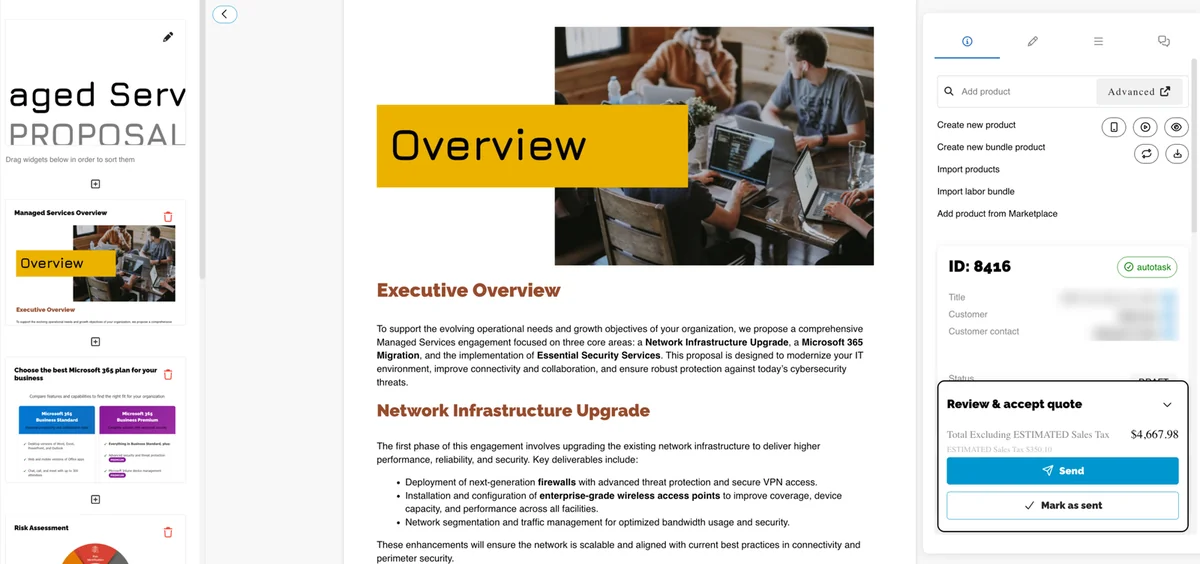
A clear path, session by session.
A handful of focused working sessions. Each one builds on the last.
Kickoff & First Quote
Get set up and build a real quote together on day one.
Catalog & Quoting
Your products, pricing and quoting workflow.
Templates & Cover Pages
On-brand proposals, widgets and templates.
Refining Your Workflow
Integrations, approvals and team rollout.
Spaced to fit your pace, typically over a few weeks.
We build with your data, not slides.
Sessions are hands-on. We work in your real catalog and create real quotes together, then leave a short punchlist so progress continues between sessions.
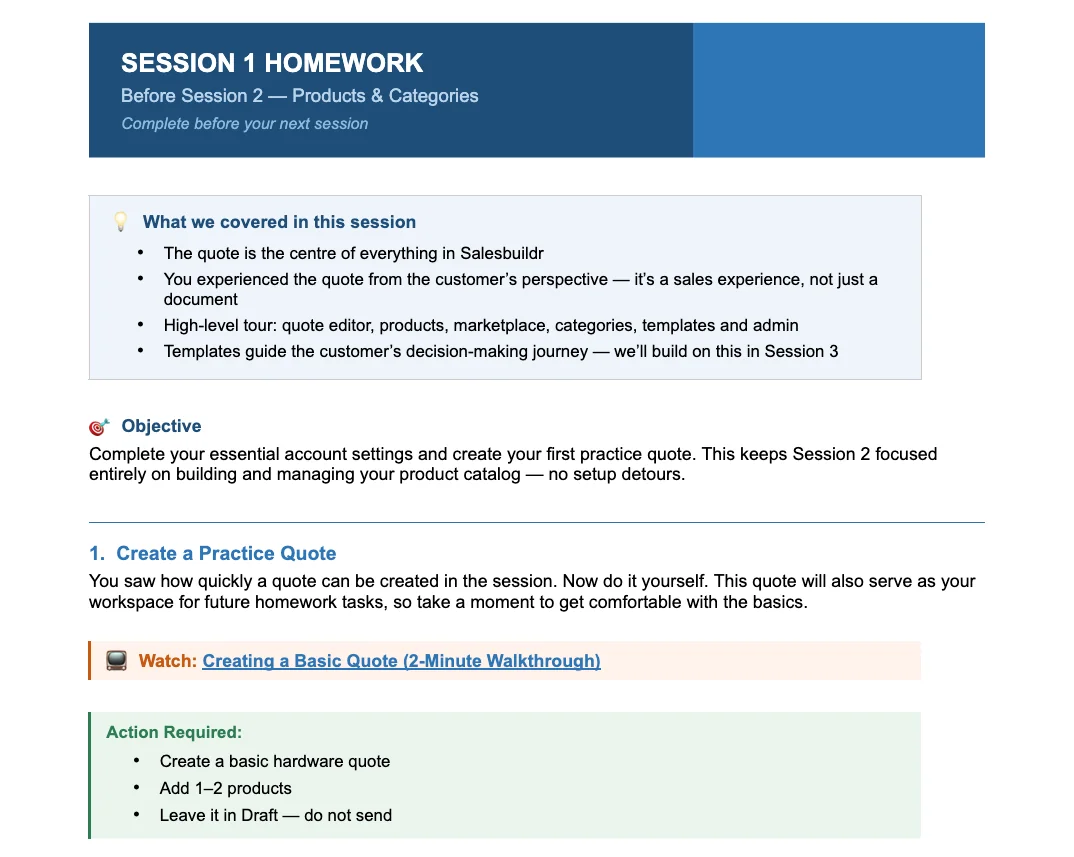
Shaped around your team.
Need sales-rep training or a self-serve storefront? We add focused sessions where they help, and bring in ad-hoc sessions whenever you need them.
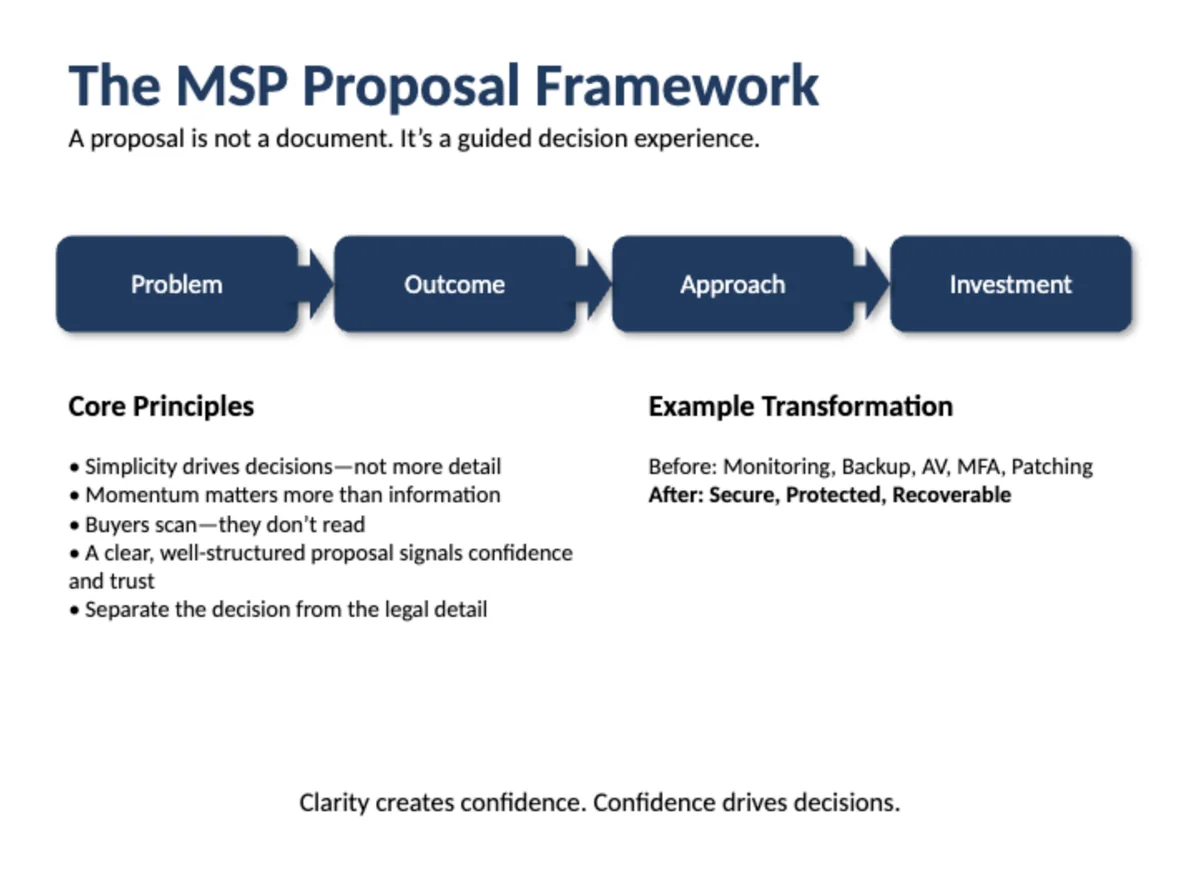
Built for MSPs. Powered by AI.
24 tools that remove the friction between winning and proposing, from blank page to a finished quote in minutes. Currently in beta.
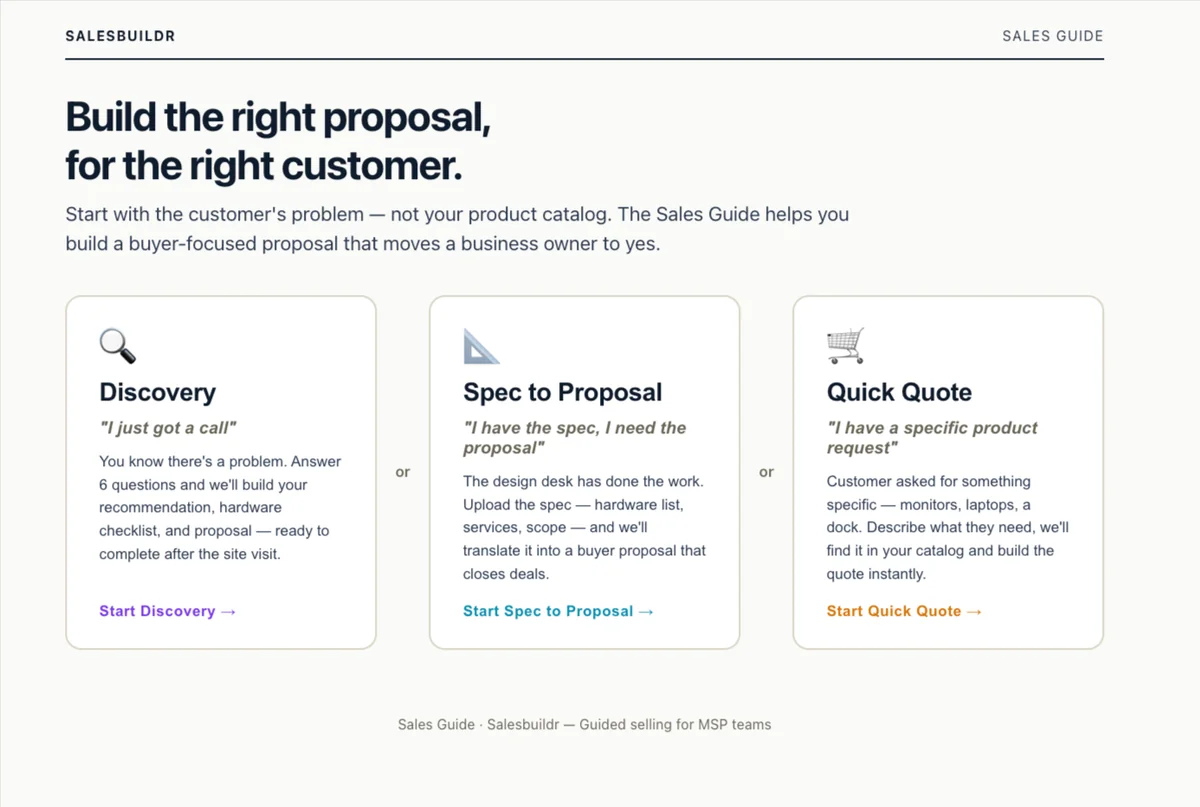
Guided Sales Tool
Start with the problem. Build buyer-focused proposals from the customer's pain, not your product catalog.
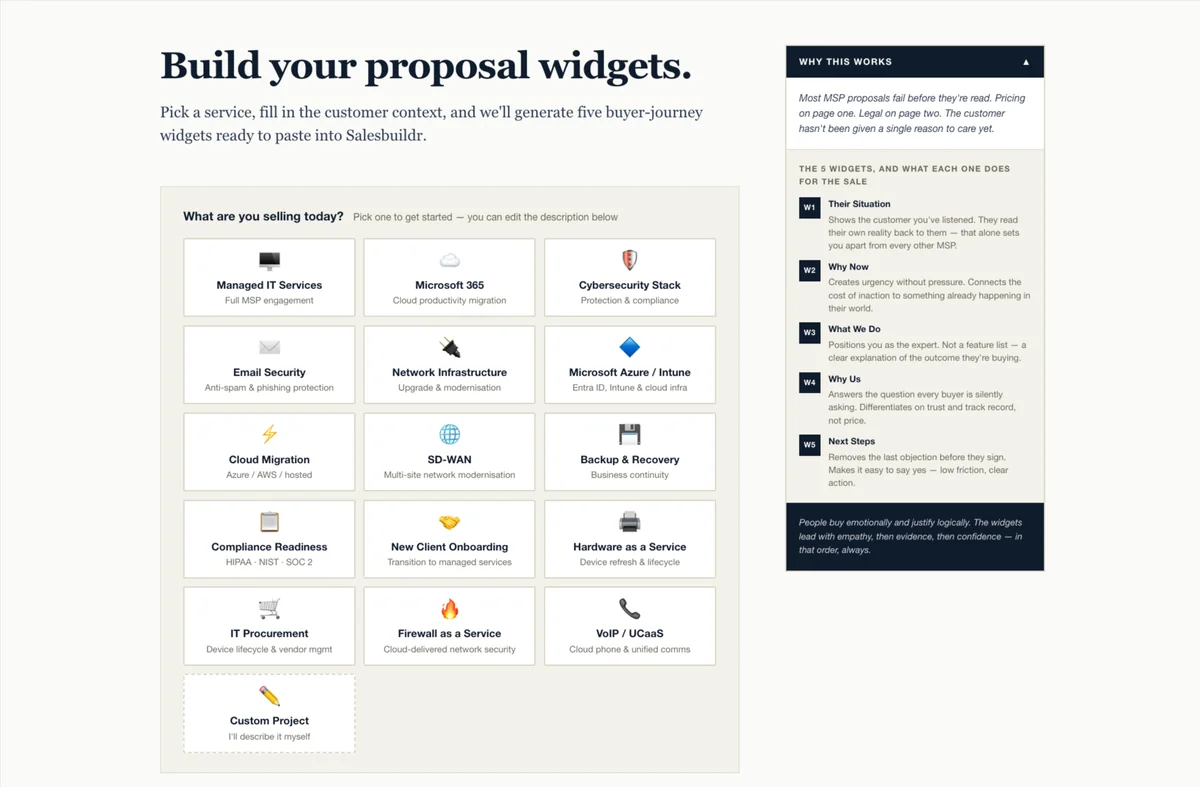
Proposal Widget Builder
Tell us what you're selling and who you're selling it to. AI generates five ready-to-use buyer-journey widgets to paste into Salesbuildr.
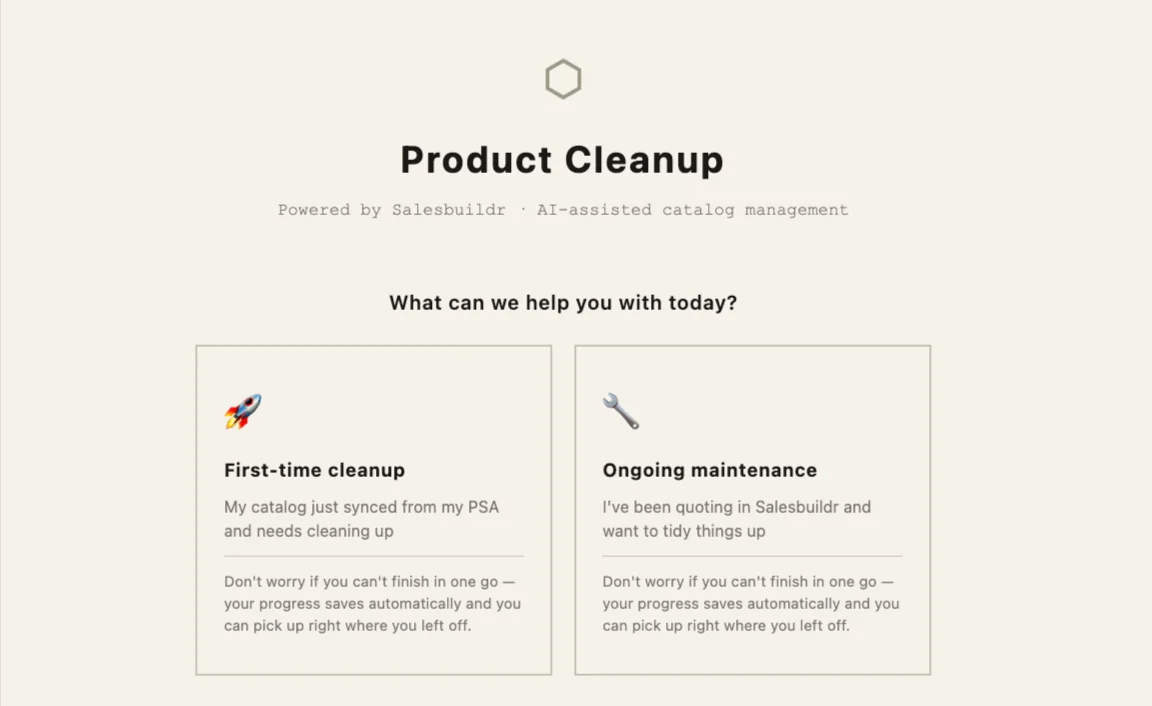
Product Catalog Guided Cleanup
A clean catalog is a faster close. Fix duplicate MPNs, bulk-unlist end-of-life products and keep your catalog sharp, step by step.
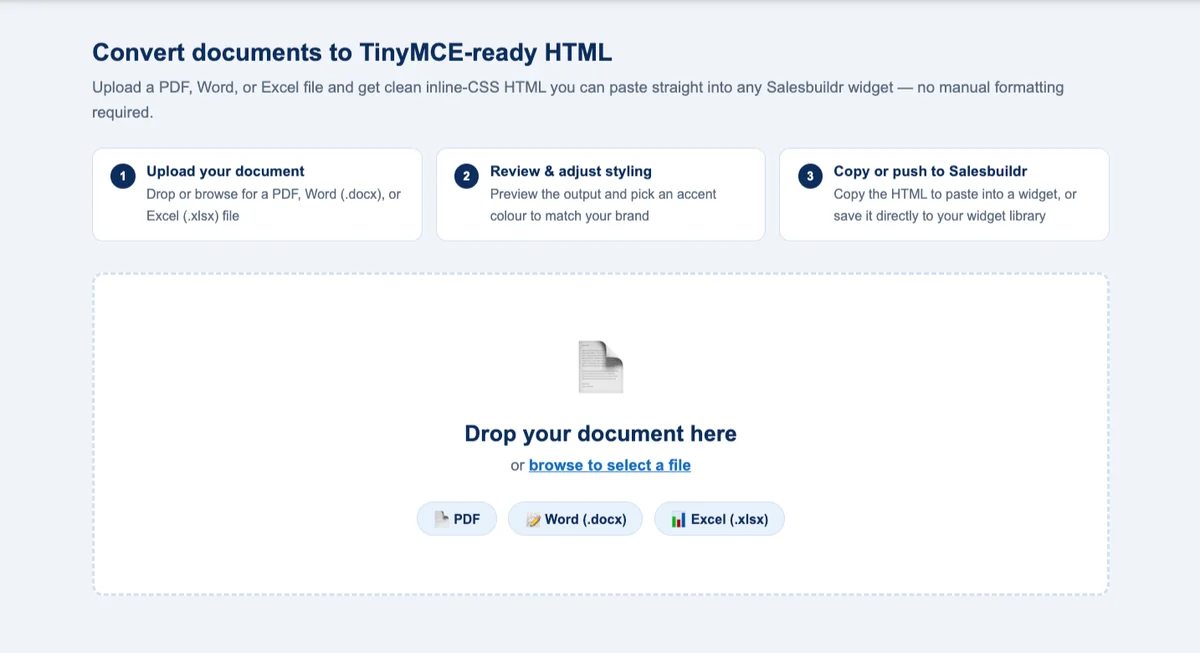
Document Converter
Convert PDF, Word and Excel files into widget-ready content and paste it straight into any Salesbuildr widget without reformatting.
Proposal
- Customer Growth Operating System Spot the change that creates the next opportunity.
- Proposal Evaluator Audit any proposal against the five questions every buyer silently asks.
- Guided Sales Tool Proposals built from the customer's problem.
- Proposal Widget Builder Five buyer-journey widgets, no blank page.
- ROI Builder Turn your quote into a financial argument.
- vCIO Report Turn operational data into a polished client report.
- MSP Matrix Widgets Side-by-side comparisons that show why you win.
- Industry Proposal Pack Five coordinated widgets written for your prospect's industry.
- Upsell Services Widget Builder Complementary services, ready to drop into your quote.
- Case Study Widget Builder Your best wins, in every proposal.
- Renewal Proposal Widget Creator Win the renewal, not just resend the quote.
- Technology Roadmap Builder Turn a discovery call into a 12 to 24 month roadmap.
- Proposal Defence Kit Deal stalled? Widgets plus private talking points for the call.
Scoping
- SOW Widget Generator Professional statements of work for any project.
- Project Reports Plain-language status reports clients actually read.
- Project Tasks to Calculator Accurate effort hours for complex projects.
Design
- Cover Page Creator A branded cover page in your prospect's colours.
- Widget Banner Tool Eye-catching widget banners, no design skills required.
Security
- MSP Security Assessment Tool Proposal widgets for major security framework assessments.
Conversion
- MSP Document to Widget Existing Word scope, widget-ready in seconds.
- Product Catalog Guided Cleanup AI-assisted, step-by-step catalog cleanup.
- Document Converter PDF, Word and Excel into widget-ready content.
- Widget Library Cleanup Group duplicates and clean up your widget library in bulk.
Quote
- MSP Quote Preflight Spot the gaps before your buyer does.
Ready to see it working in your Salesbuildr? Ask your specialist during onboarding, or book a demo.
A few steps to get the most from day one
Whether you work in Autotask, ConnectWise, Halo or HubSpot, or outside them, these steps help your first session go straight to building.
Set up your Salesbuildr instance
We help you set up your Salesbuildr instance and a dedicated workspace we can start tailoring to your needs.
Connect your PSA
Follow the setup guide for your PSA:
Request your distributor credentials
Distributor credentials let you bring distributor pricing into your quotes.
Book your kickoff session
Let's get acquainted and kick things off with your first quote.
Frequently Asked Questions
How long does onboarding take?
Onboarding runs as a handful of focused working sessions, spaced to fit your pace, typically over a few weeks.
Who runs the sessions?
A dedicated Salesbuildr specialist leads every session live, sharing their screen and building alongside you.
Is onboarding included in the plan?
Onboarding is a one-time fee on top of your plan. See Pricing for the amount per plan.
Can we add sessions for our sales reps?
Yes. We add focused sessions for sales-rep training or a self-serve storefront where they help, and ad-hoc sessions whenever you need them.
What happens between sessions?
After each session you get a short punchlist, so progress continues before the next one.
From zero to winning quotes.
In a few weeks your team is live, confident and sending on-brand proposals that close, and we're still here whenever you need us. Let's map out your onboarding.