
PSA contracts from recurring quote lines. Renewals in Whitespace.
Open Contracts from the Quote Editor to view PSA contract items and pricing, add them to a quote, and refresh from the PSA. After approval, push recurring/service lines into Autotask, ConnectWise, or Halo contract structures, and use Whitespace when it is time to renew.
Illustrative dashboard · your data will vary
Why this step matters
Contracts inside the quote editor
View PSA contract items, pricing, add to quote (including negative qty / churn), and refresh from the PSA.
Recurring lines become PSA contracts
Autotask Recurring Service; ConnectWise Finance Agreement; Halo Client Contract + Recurring Invoice, per platform.
One-time stays off the contract
One-time products are not pushed as PSA contract lines. They stay on the one-time post-sale path.
Renewals from Whitespace
MRR tiles, contract items, expirations calendar, and Create Renewal Proposal when you expand or renew.
In Salesbuildr
- Open Contracts on the quoteInspect what already exists in the PSA and pull items into the proposal when needed.
- Win with recurring services on the quoteAccepted recurring lines are ready to push.
- Push to the PSA contractCreate or update the PSA contract/agreement structure for those recurring services.
- Renew later in WhitespaceTrack expirations and create renewal proposals from contract context.
Salesbuildr does not replace your PSA as the system of record for contracts. Display settings can show existing contract items / term totals on the proposal.
Help center: Quote Editor · Whitespace
Sold services, straight onto the contract
From an approved quote, add the sold services to a new or existing contract in your PSA. Pick your PSA.
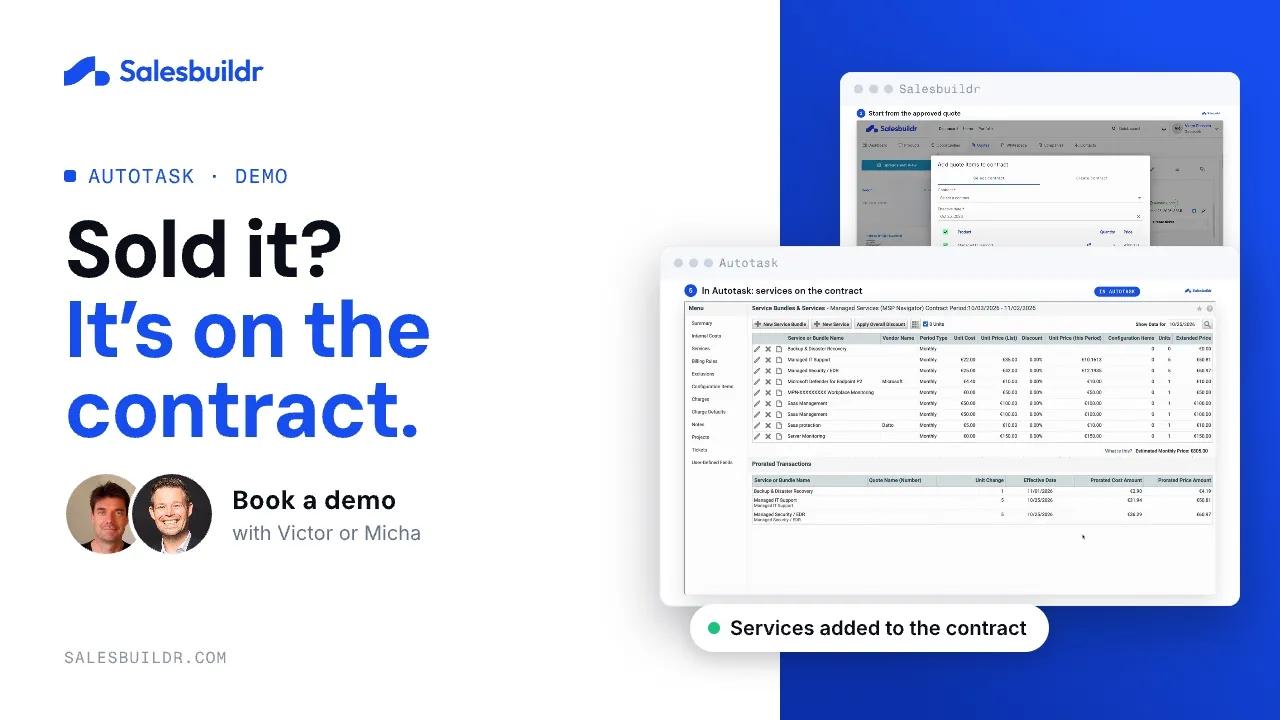
Autotask: add sold services to a contract
0:56 · Recorded October 2026
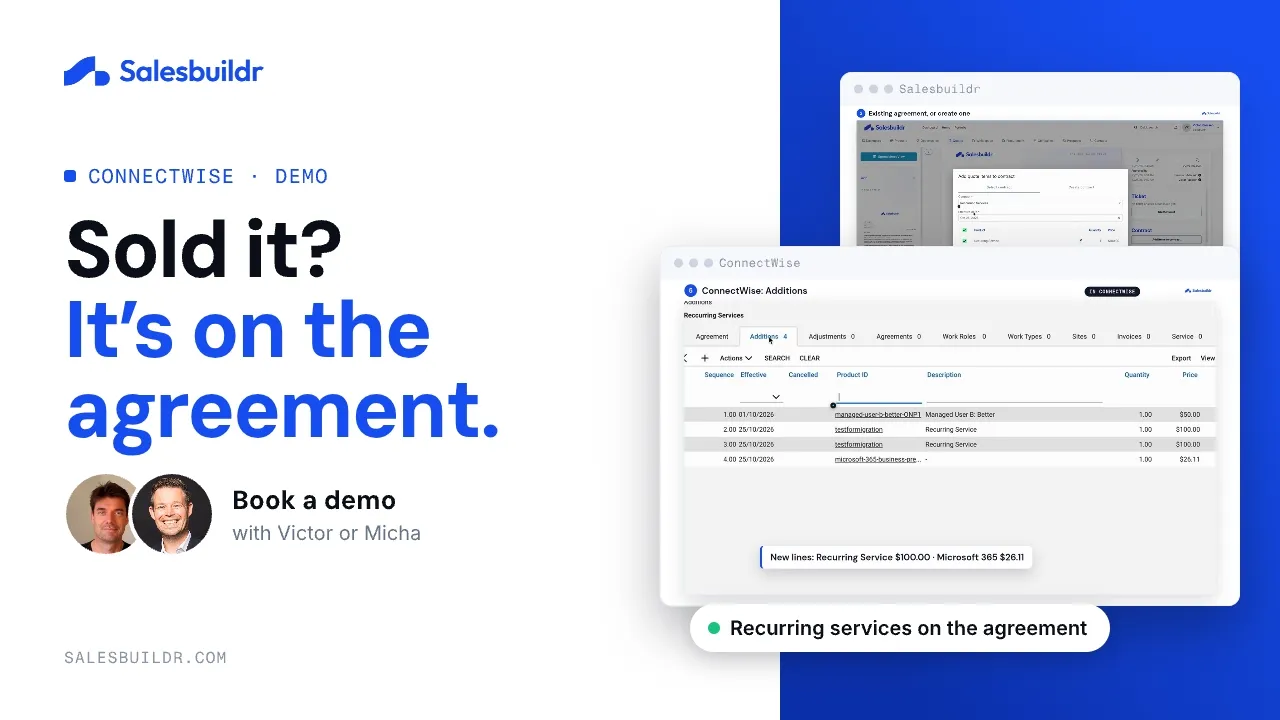
ConnectWise: add sold services to an agreement
1:02 · Recorded October 2026
Frequently Asked Questions
Common questions about contracts and renewals.
Which plans include contract renewals?
Contract renewals are included in the Advanced and Premium plans. You track expirations and create renewal proposals from Whitespace. See Pricing.
Can I see a client’s existing contracts while I quote?
Yes. Open Contracts shows what the client already has in your PSA right in the quote editor, so you can pull items into the proposal when needed.
See contracts on your PSA
We open Contracts in the editor and walk the recurring push for your PSA.