
Branded MSP proposals, built from templates in minutes.
Build from your own catalog at distributor pricing. Your customer gets a proposal they can accept online, and the signed work goes straight into Autotask, ConnectWise or Halo. Comparing tools? Start with the MSP quoting software overview or the proposal automation guide. Still building every proposal by hand? Read how to build one reusable MSP proposal.
“What used to take half a day now takes a couple of minutes.” David Green, Insight Sales Support Manager, Nostra · Nostra case study



Quoting in Word, Excel, Kaseya Quote Manager, ConnectWise CPQ or ITQuoter today? See how they compare
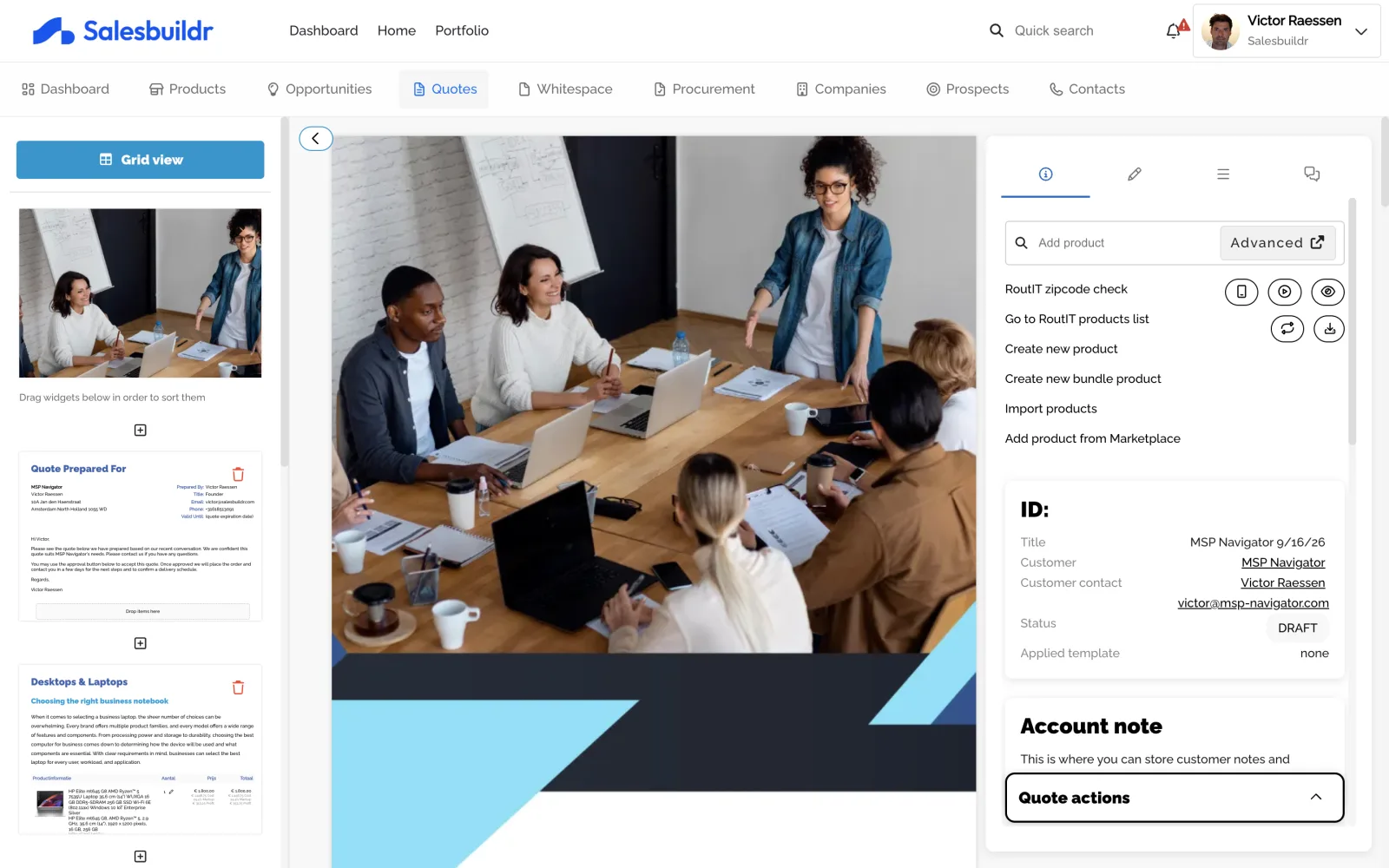
From quote to e-signature in under two minutes
Build a quote from a template, fine-tune it in spreadsheet view, share the link and watch the client sign online.
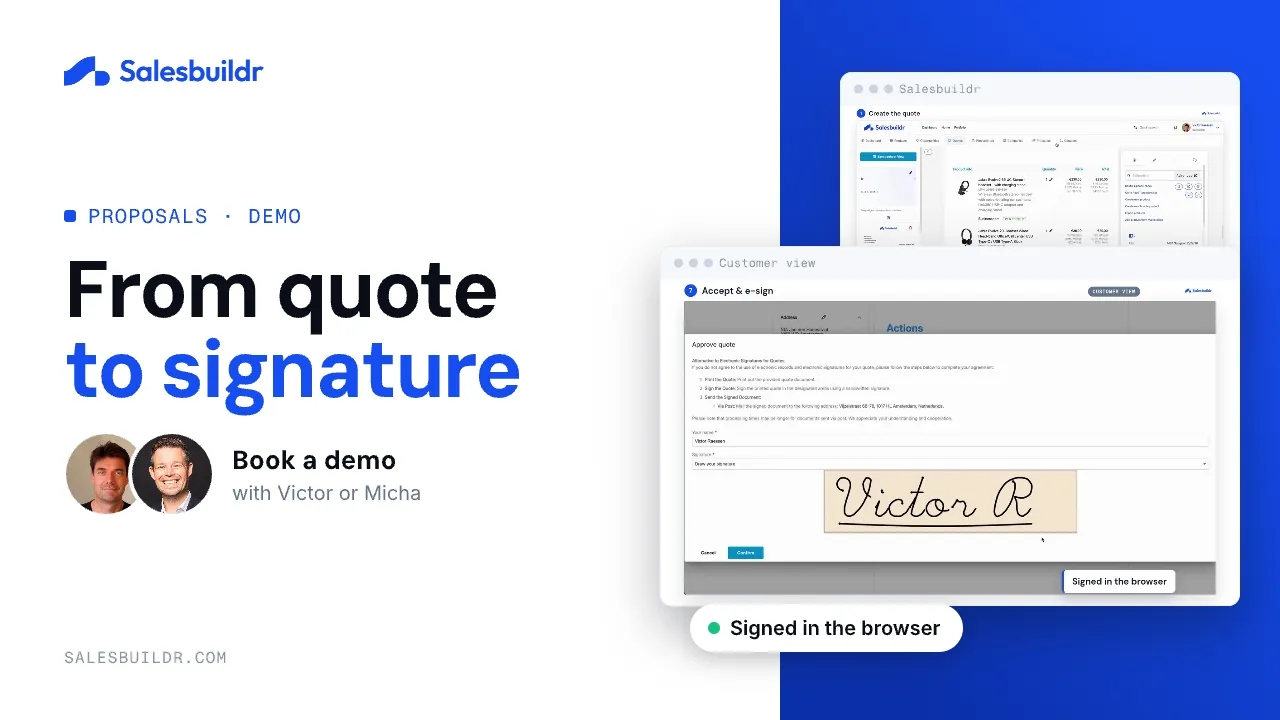
Quote to e-signature in under two minutes
1:38 · Recorded October 2026
Where MSP quotes lose time today
These are the things MSPs tell us before they move their quoting into Salesbuildr.
A quote gets calculated in Excel, written up in Word and then saved as a PDF.
One editor builds the quote from your catalog and sends it as a branded proposal your customer accepts online.
Proposals take longer than any other part of the sale.
Templates, saved bundles and reusable widgets mean a seller starts from a finished structure and only changes what is new.
Every product price has to be checked by hand before the quote goes out.
Distributor pricing and stock come into the quote, and pricing books hold each customer’s agreed prices.
Once the customer says yes, the deal gets typed into the PSA a second time.
Accepted work goes straight into Autotask, ConnectWise or Halo, so no one types the deal twice.
The same quote, before and after
| Description | Qty | Unit | Total |
|---|---|---|---|
| Laptop 14" business | 12 | € 689.00 | € 8,268.00 |
| Docking station | 12 | € 119.00 | € 1,428.00 |
| Installation (hours) | 8 | € 85.50 | € 684.00 |
| M365 Business Premium (per user/month) | 12 | € 20.60 | € 247.20 |
Built in Word and Excel. Looks like an invoice.

Built in Salesbuildr. Your cover page, your options, one click to accept.
The before quote is an illustrative mockup with fictional names and prices. The after is a real Salesbuildr proposal cover.
Switching from Kaseya Quote Manager, ConnectWise CPQ or ITQuoter?
Salesbuildr imports your catalog, keeps your PSA as the source of truth and runs alongside your current tool until your team moves over.
Why this step matters
Consistent branded proposals
Quote templates and widgets keep structure, styling, and defaults reusable across the team.
Interactive for the customer
Optional items, choices, forms, chat, view tracking, PDF, and built-in signature, where you enable them.
Approvals before send
Simple threshold rules or advanced multi-step workflows keep margin guardrails in the quote motion.
Catalog pricing in the editor
Search products and apply pricing books or dynamic pricing as configured.
Every line item on one screen
Switch the quote editor to grid view and the whole proposal becomes a sheet: quantity, cost, price, markup, profit, distributor, and stock for every line item, grouped by section. Adjust quantities and pricing without opening each item. Totals update as you go. Pick the columns you need; the layout saves.
Illustrative grid view · your data will vary
Your brand on every page
Proposals go out as branded documents: cover page, styling, and tone set once in the template library, inherited by every quote. Templates, widgets, and cover pages are yours to define. Sellers just pick one.
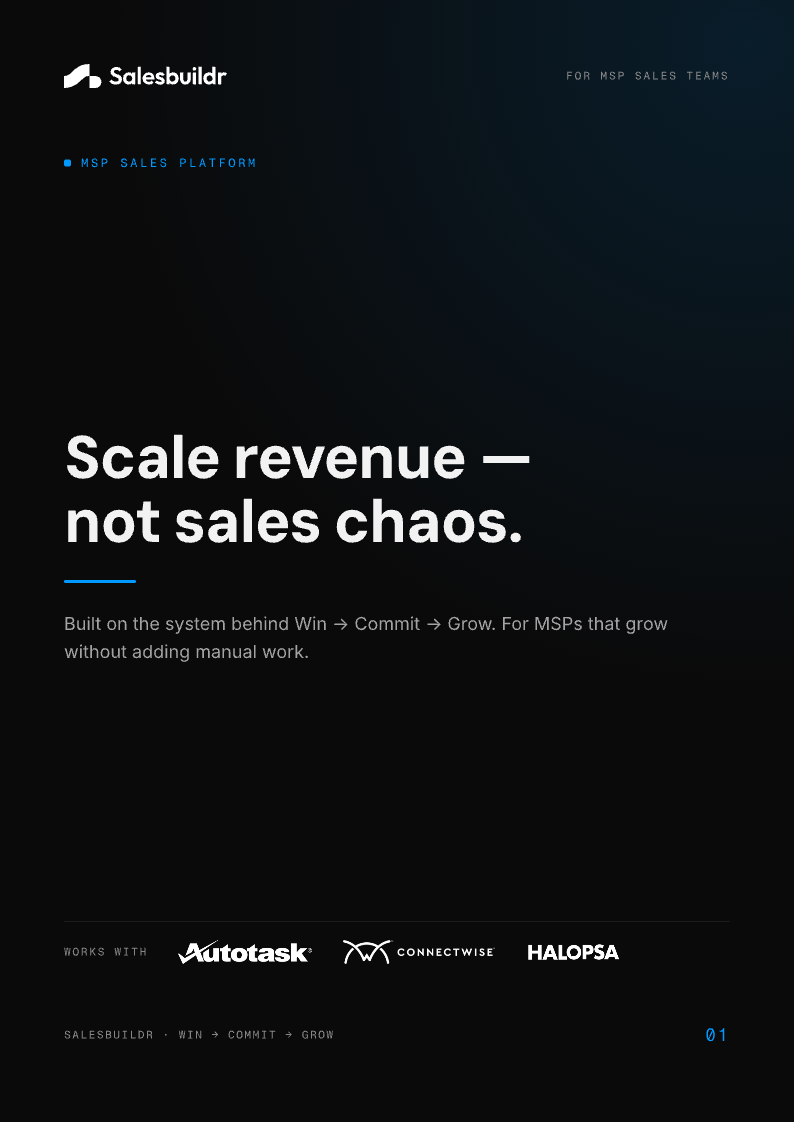
A real Salesbuildr proposal cover, yours carries your branding
Customers choose, then accept online
The proposal your customer receives is interactive: they pick the model, set quantities, and toggle the options you enabled, then accept online. No PDF back-and-forth, no re-quoting for every variant.
Illustrative customer view · your proposal will vary
Priced right, from inside the editor
Search the catalog without leaving the editor. Lines land with current distributor cost, your markup rules, and distributor stock, and customer-specific pricing-book prices apply automatically.
Illustrative catalog search · your pricing will vary
What your client sees
A branded proposal they can read, sign and accept online, with every step visible to you.
Accept online
Your client accepts the proposal online. You choose whether they accept your terms and conditions explicitly or implicitly when they approve.
Already signed by you
Add your signature once in Manage My Profile and place the signature placeholder in your template. The proposal goes out signed by you, and your client’s signature appears next to yours when they accept. No extra step afterwards.
Every step logged
Proposal open and view tracking shows when your client reads it. Every view, approval and status change is logged in the quote’s activity.
No card needed on quotes
Regular quotes are accepted without payment. Card payment through Stripe is only part of the Storefront checkout.
In Salesbuildr
- Start from a template or opportunityOpen the Quote Editor with the right client and catalog context.
- Assemble the proposalAdd products, services, and widgets from your shared portfolio.
- Apply pricing and approvalsGoverned prices apply; exceptions route through approval workflows when needed.
- Send and trackCustomers interact with the proposal; status stays visible back on the opportunity.
Day-to-day quoting is fastest once your templates and catalog are set up.
Help center: Quote Editor · Quote Templates · Quotes
Frequently Asked Questions
Common questions about proposals, signatures and client acceptance.
Can we countersign a quote?
Yes. Each user sets their signature once in Manage My Profile. Add the signature placeholder to your quote or template, and your signature is on the proposal before it’s sent. Your client’s signature appears next to it when they accept, so there’s no separate countersign step afterwards.
Does my client have to pay by card to accept a quote?
No. Clients accept regular quotes online without paying. Card payment through Stripe is only part of the Storefront checkout.
Can I see when my client opens the proposal?
Yes. Proposal open and view tracking shows when your client reads it, and every view, approval and status change is logged in the quote’s activity.
Can quotes go out from each rep’s own email address?
Yes. Depending on your setting, emails from Salesbuildr are sent from a shared mailbox or from the address of the rep who sends the quote.
See the editor on your templates
We walk a real proposal path, widgets, pricing, approvals, send.
Prefer to read first? Download our free guide, The Decision-Ready MSP Proposal.